 Back to all buyer's guides
Find the right Caterpillar model
To find the right spare parts for a Caterpillar wheel loader, excavator or dumper, you need the machine's serial number prefix. The prefix is a three-character code in the serial number – often called the chassis number – which you will find on the machine's type plate. It is the prefix that determines exactly which machine you have. In the Olsson Parts vehicle selector, you choose vehicle type, manufacturer and subgroup, and then the model where the prefix in brackets matches your serial number.
In this buyer's guide, we explain step by step how to find the right model in the vehicle selector, where to find the serial number, how to read the prefix and why the prefix matters more than the model name.
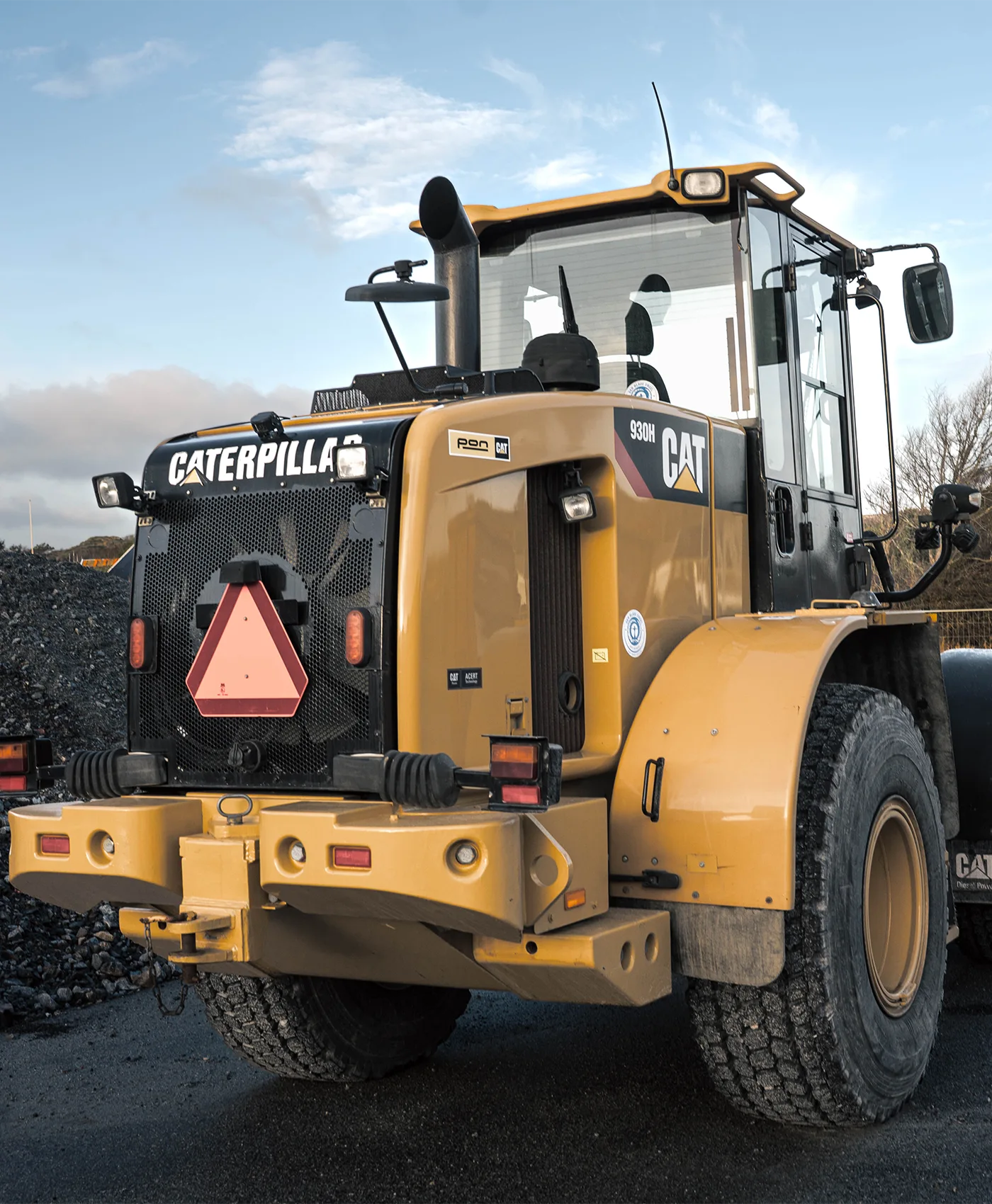
How to find the right model – step by step
- Find the serial number prefix – the prefix is a three-character code in the serial number on the machine's type plate. Not sure how to read it? See How do I read the serial number prefix?
- Choose vehicle type – for example Wheel loader, Excavator or Dumper.
- Choose manufacturer – choose CATERPILLAR.
- Choose subgroup – for some machine types, the models are divided into groups, for example wheeled excavators and crawler excavators.
- Choose model – choose the model where the prefix in brackets matches your serial number.
- View the parts – the spare parts that fit your machine are now displayed.
Go directly to your vehicle type

Can I search by model name or prefix directly?
Yes. The model lists can be long, so type the model name or prefix in the "Search phrase" field and the list will be filtered instantly. Searching by prefix is the safest way to find the right model.
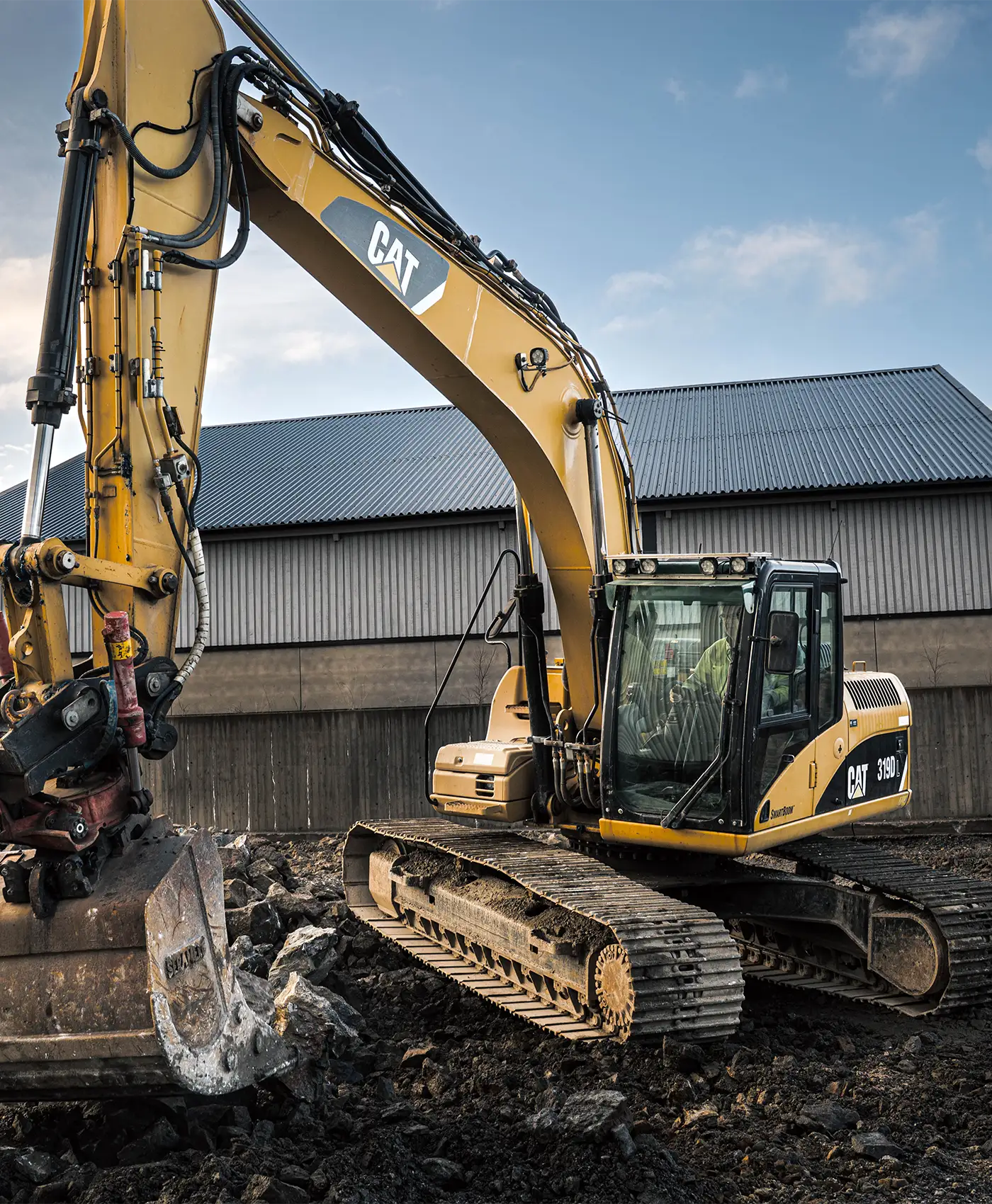
Why isn't the model name enough on a Caterpillar?
Caterpillar (Cat) often manufactures the same model in several versions, depending on generation, factory and market. Two machines with the same model name can have different engines, hydraulics or undercarriages – and therefore need different spare parts.
Nor does the model name always tell you how old the machine is. The letter after the numbers does not necessarily mean that the machine is newer, and on machines from 2017 onwards, Caterpillar in many cases stopped using letters altogether. A Cat 950 can therefore be both older and newer than a 950G.
Only the serial number prefix shows exactly which machine you have. That is why every model in our vehicle selector is listed with the prefix in brackets, for example 950G (3JW).
Where do I find the serial number or chassis number on my Caterpillar?
The serial number – which many call the chassis number – is on the machine's type plate (Product Identification Plate). The plate is usually located on the frame, often near the cab.
Tip: Use the machine's serial number, not the engine's. The engine has its own plate with its own number that does not match the machine's prefix.
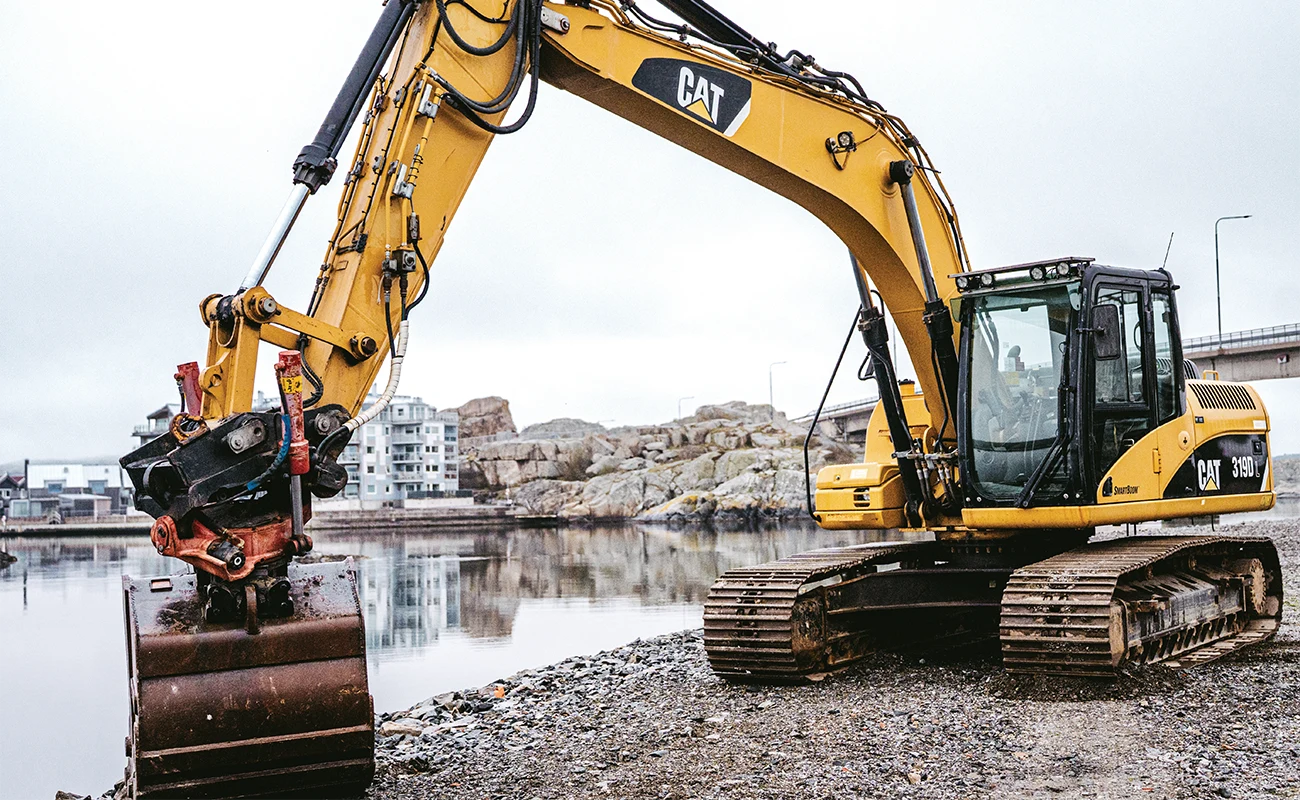
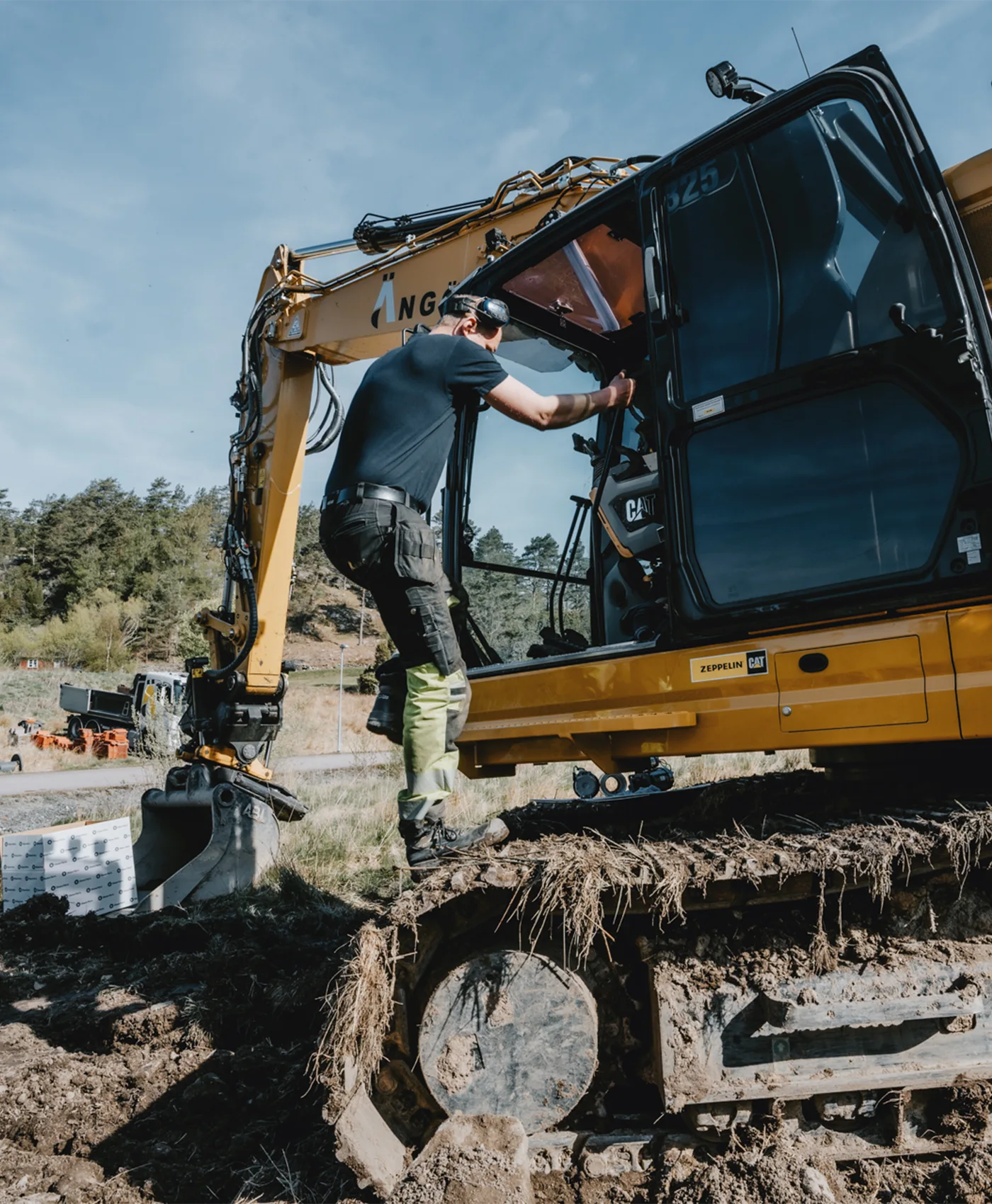
How do I read the serial number prefix?
The serial number prefix is a three-character code that comes before the actual sequence number in the serial number:
- Older machines usually have a serial number with 8 characters, for example 3JW01234. The prefix is the first three characters – 3JW.
- Older machines with a short sequence number may have a shorter serial number on the plate, as the zeros in front of the sequence number are sometimes left out. If it says 40Y825, for example, the full serial number is 40Y00825. The prefix is still the first three characters – 40Y.
- Newer machines have a serial number with 17 characters. Here, the prefix is the three characters before the last five digits.
FAQ / Frequently asked questions
What do I need to find the right spare parts for my Caterpillar?
You need the machine's serial number prefix. It is the prefix that determines exactly which machine you have, and with it you choose the right model in the Olsson Parts vehicle selector.
Why isn't the model name enough on a Caterpillar?
Caterpillar often manufactures the same model in several versions, depending on generation, factory and market. Two machines with the same model name can have different engines, hydraulics or undercarriages – and therefore need different spare parts.
Does the letter after the model number mean the machine is newer?
Not necessarily. On machines from 2017 onwards, Caterpillar in many cases stopped using letters altogether. A Cat 950 can therefore be both older and newer than a 950G – only the prefix shows exactly which machine you have.
What is a serial number prefix?
The serial number prefix is a three-character code that comes before the actual sequence number in the machine's serial number. It shows exactly which version of the model you have.
What does the code in brackets in the vehicle selector mean?
The code in brackets is the machine's serial number prefix, for example 950G (3JW). Choose the model where the prefix matches your serial number.
Where do I find the serial number or chassis number on my Caterpillar?
The serial number – which many call the chassis number – is on the machine's type plate (Product Identification Plate). The plate is usually located on the frame, often near the cab.
Can I use the engine serial number?
No. Use the machine's serial number. The engine has its own plate with its own number that does not match the machine's prefix.
How do I read the prefix on an older Caterpillar?
Older machines usually have a serial number with 8 characters, for example 3JW01234. The prefix is the first three characters, in this case 3JW.
The serial number on my machine is shorter than 8 characters – what do I do?
On older machines with a short sequence number, the zeros in front of the sequence number are sometimes left out. If the plate says 40Y825, for example, the full serial number is 40Y00825. The prefix is still the first three characters – 40Y.
How do I read the prefix on a newer Caterpillar?
Newer machines have a serial number with 17 characters. Here, the prefix is the three characters before the last five digits.
How do I find the right model in the vehicle selector?
Choose vehicle type, for example Wheel loader, Excavator or Dumper. Then choose CATERPILLAR as manufacturer and any subgroup. Finally, choose the model where the prefix in brackets matches your serial number, and the spare parts that fit your machine will be displayed.
Can I search by model name or prefix directly?
Yes. Type the model name or prefix in the "Search phrase" field and the list will be filtered. Searching by prefix is the safest way to find the right model.
You might also like


Get news, tips and promotions – straight to your inbox
Subscribe to our newsletter and receive the latest news, promotions, and maintenance tips directly to your inbox. It’s completely free, and you can easily unsubscribe at any time.
Do you have a question?
Here we have collected common questions and answers.
Can’t find the answer to your question? Don’t hesitate to contact us!
FAQ / Frequently Asked Questions